Game Top-Ups: Player ID, Server and Region Guide | Nexa Cards
Game top-ups let you add in-game currency directly to your gaming account without redeeming a traditional gift card.
Depending on the game, this could include UC, Points, Credits, Diamonds or other virtual currency.
What Is a Player ID?
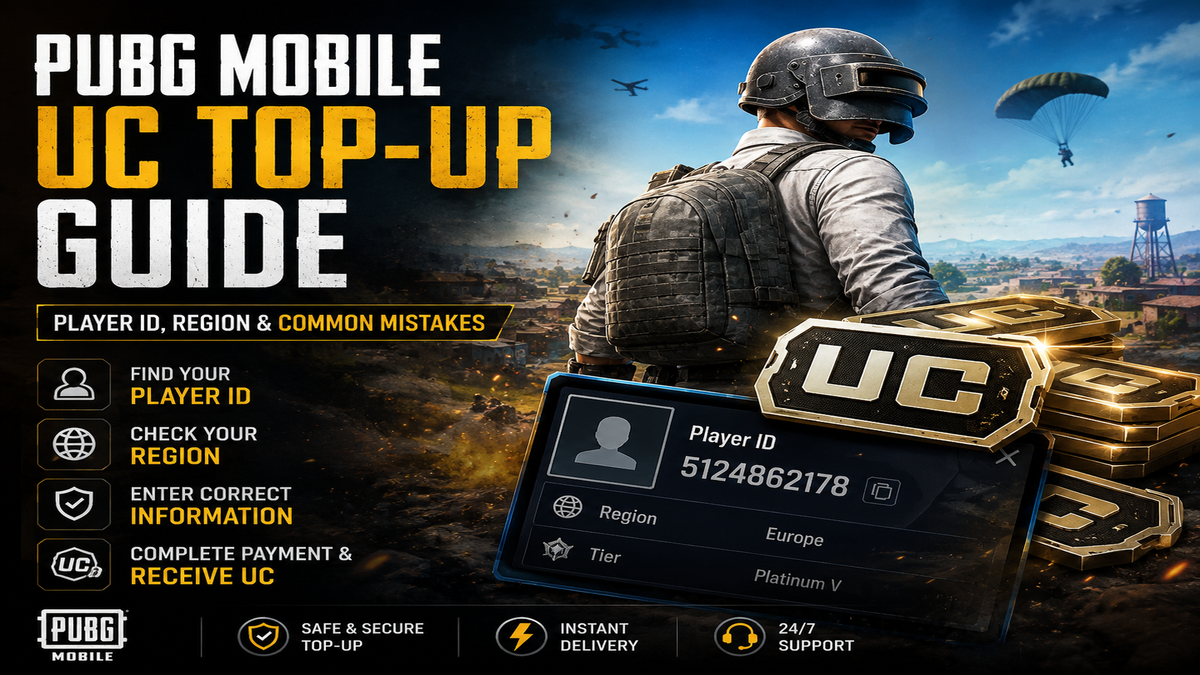
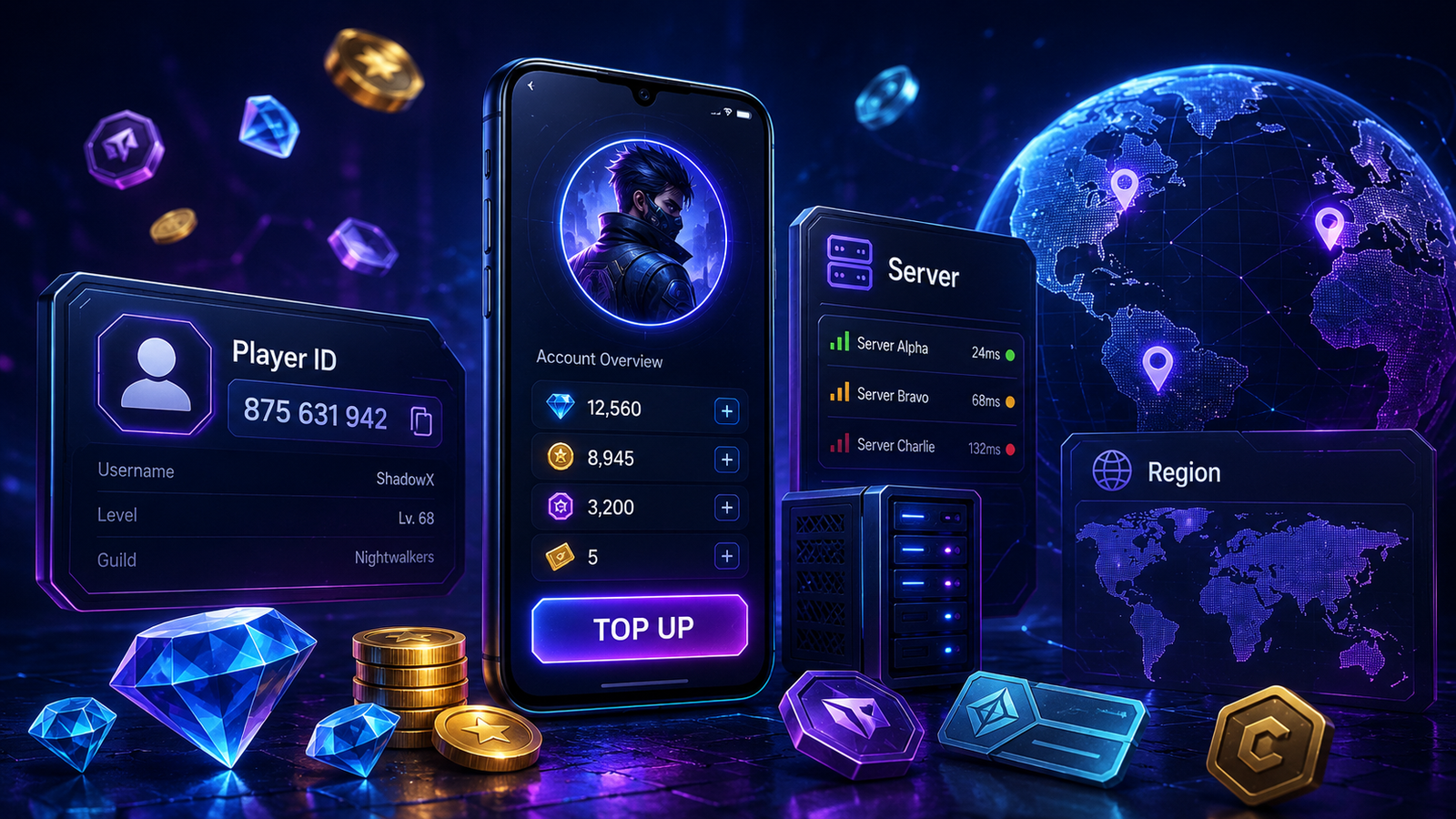
A Player ID is a unique number or identifier connected to your gaming account.
Top-up services use it to identify exactly which account should receive the purchased currency.
For some games, you may also need to provide a server ID or region.
Why Is Accuracy Important?
Digital top-ups can be processed very quickly.
If you enter another player's ID by mistake and the top-up is successfully delivered, reversing the transaction may not be possible.
Always copy your Player ID directly from the game rather than typing it from memory.
What Is a Server ID?
Games with multiple servers may use both:
Your Player ID identifies your account, while the server identifies where that account exists.
Both values must be correct when required.
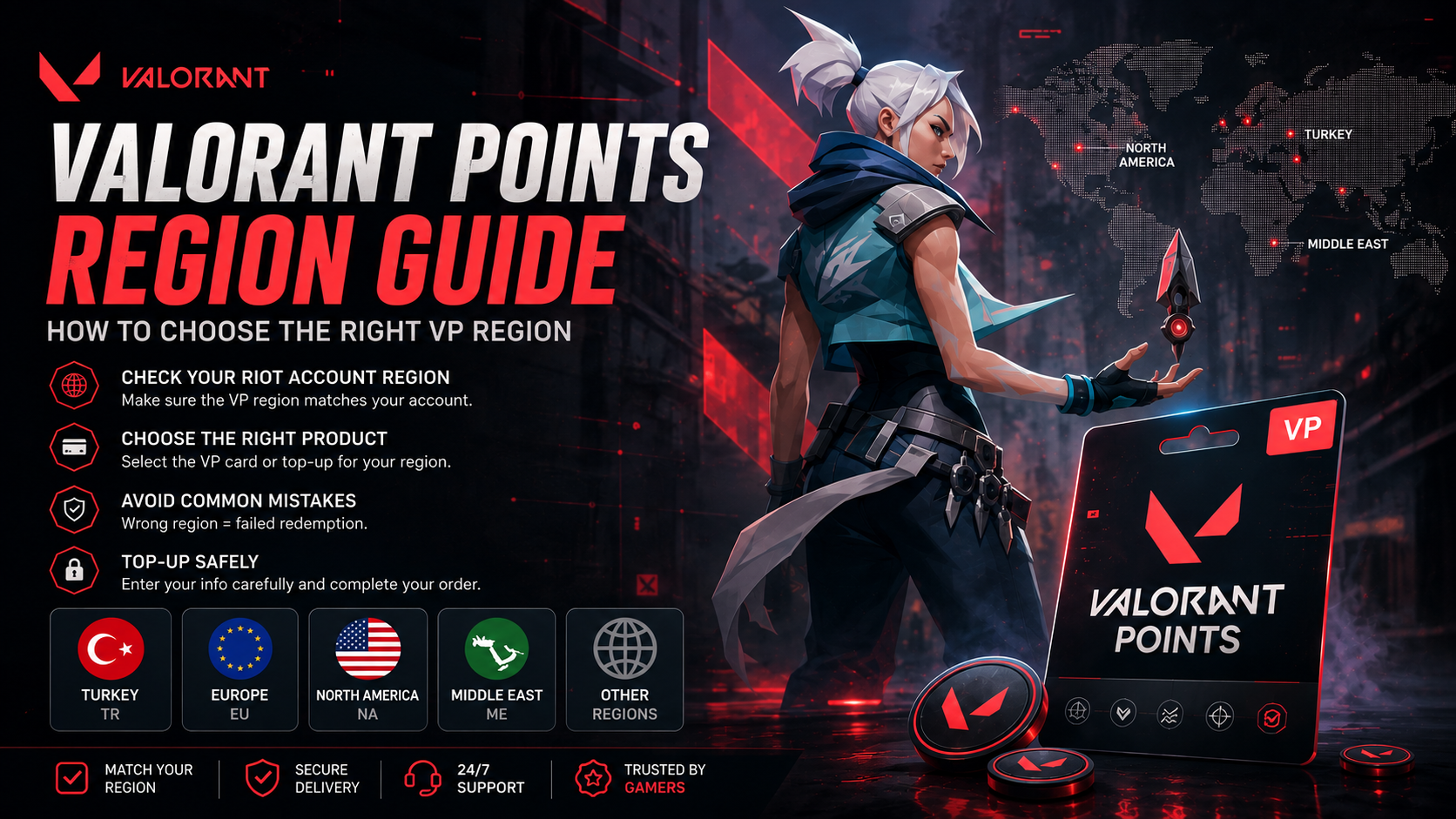
Does Region Matter?
Yes.
Some top-up products only support specific regions.
A package designed for one region may not work for an account located in another.
Always check the supported region shown on the product page.
Before You Pay
Verify:
- Game
- Player ID
- Server ID
- Region
- Package amount
- Total price
Never Share Your Password
Normal ID-based top-ups should not require your game password.
Never send your account password, email password or two-factor authentication codes to anyone unless a service explicitly and legitimately requires account access.
At Nexa Cards, simply select your game, choose your package and provide the requested account information.
Explore available Game Top-Ups to get started.