PUBG Mobile UC Top-Up Guide: Player ID, Region and Common Mistakes
UC, or Unknown Cash, is the premium currency used in PUBG Mobile.
Key Points
Players use UC to purchase Royale Passes, outfits, weapon skins, crates, events, and other in-game items.
Topping up PUBG Mobile UC is usually simple, but entering the wrong Player ID or choosing an incompatible product can cause problems.
This guide explains everything you should check before purchasing PUBG Mobile UC.
What Is a PUBG Mobile Player ID?
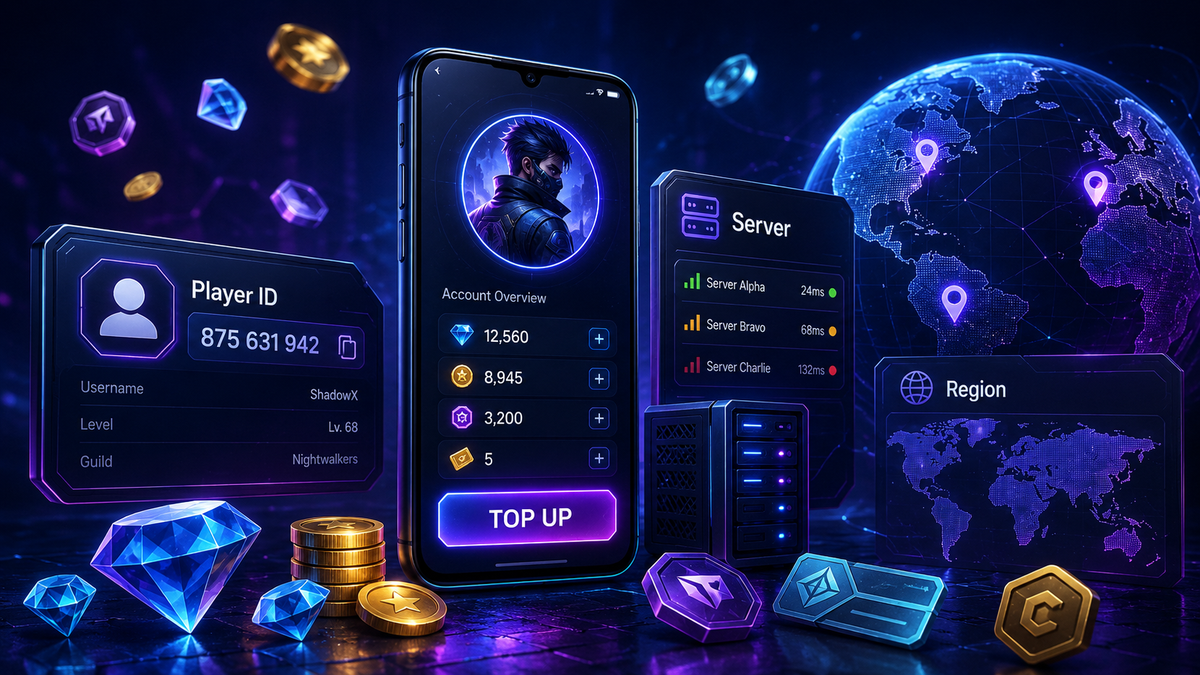
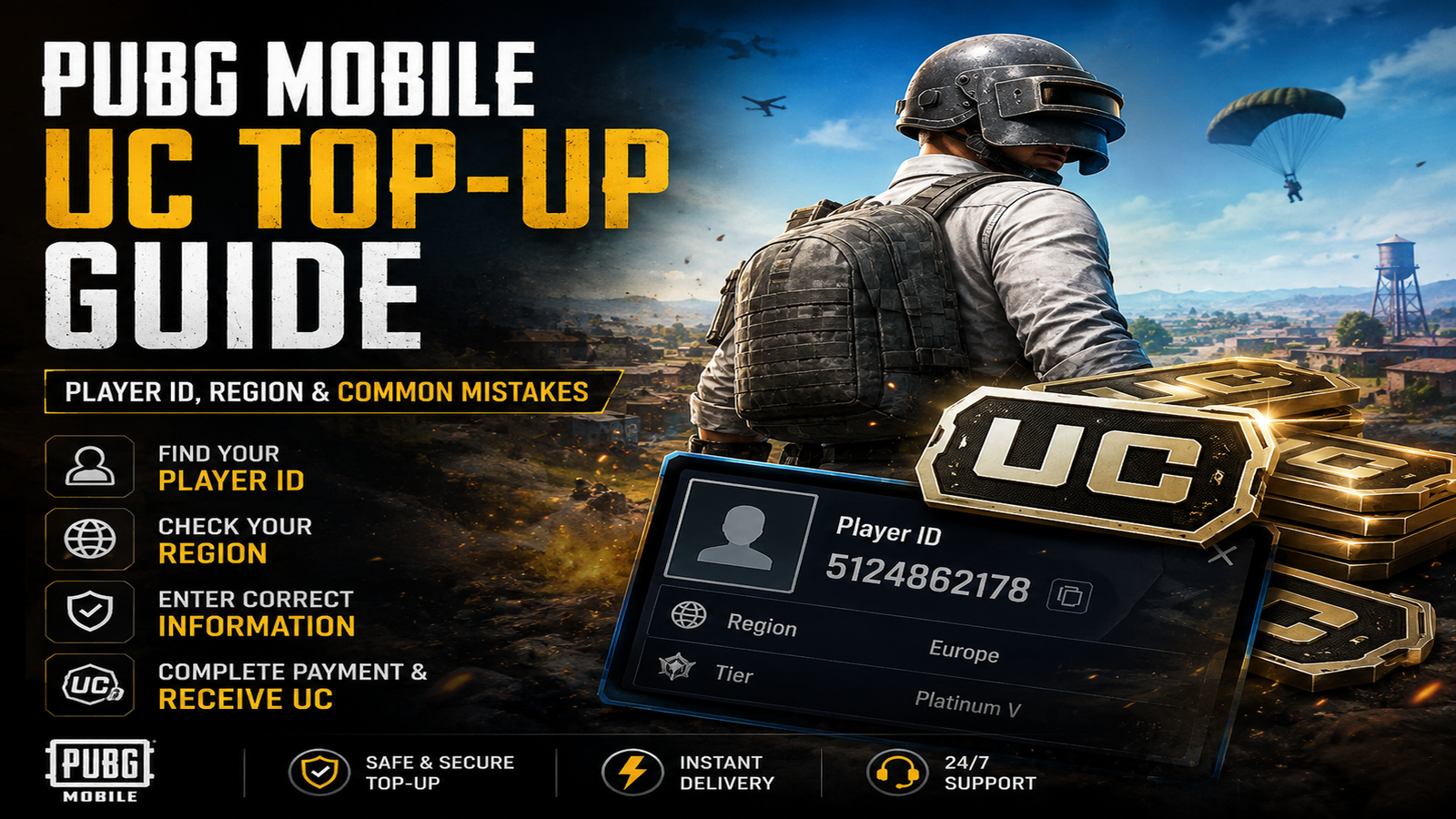
Your Player ID is the unique number connected to your PUBG Mobile account.
For many direct UC top-ups, this ID is used to identify the account that should receive the UC.
Your Player ID is not the same as your in-game nickname.
How to Find Your PUBG Mobile Player ID
1. Open PUBG Mobile.
2. Go to your profile.
3. Look for the numeric Player ID shown on your profile.
4. Copy the ID carefully.
5. Paste it into the required field when placing your order.
Always double-check the number before submitting your order.
Why Is the Player ID Important?
For direct PUBG UC top-ups, the Player ID tells the top-up system which PUBG account should receive the UC.
If you enter the wrong ID, the UC may be delivered to the wrong account or the order may fail depending on the top-up method.
Because digital top-ups may be processed quickly, you should always verify the Player ID before payment.
Does PUBG Mobile UC Have Regions?
Some PUBG Mobile top-up products may have country, platform, or regional restrictions.
The availability and requirements can depend on the product.
Before purchasing, check:
• Supported country or region
• PUBG Mobile version
• Required Player ID
• Any additional account information
• Product-specific restrictions
Never assume that every PUBG UC top-up works with every version of PUBG Mobile.
PUBG Mobile Versions
Different versions of PUBG Mobile may exist depending on your country or platform.
For example, a top-up designed for the global version may not necessarily support another regional version of the game.
Always purchase the product that matches the version of PUBG Mobile you actually use.
How Does a PUBG UC Direct Top-Up Work?
The typical process is:
1. Choose the PUBG Mobile UC amount.
2. Enter your Player ID.
3. Provide any additional information requested.
4. Review your information.
5. Complete payment.
6. UC is delivered using the supported top-up method.
You normally do not need to share your PUBG Mobile password for a standard Player ID-based top-up.
Common PUBG UC Top-Up Mistakes
Entering the Wrong Player ID
Check every digit before confirming your order.
Using Your Username Instead of Player ID
Your nickname is not a replacement for your numeric Player ID.
Choosing the Wrong Region
Check whether the product has specific region requirements.
Selecting the Wrong PUBG Version
Make sure the top-up supports the version of PUBG Mobile you use.
Submitting Duplicate Orders
Wait for your existing order to be processed before placing another identical order if you are unsure of its status.
How to Buy PUBG UC Safely
Before paying for your UC:
• Copy your Player ID directly from PUBG Mobile.
• Double-check all digits.
• Confirm your game version.
• Check product region requirements.
• Select the correct UC amount.
• Review all information before payment.
How Long Does a PUBG UC Top-Up Take?
Processing times can vary depending on the product, payment method, availability, and top-up provider.
Always check the information shown on the product page for the most accurate delivery details.
Final PUBG UC Checklist
Before completing your order, confirm:
• My Player ID is correct.
• I selected the correct UC amount.
• The product supports my PUBG Mobile version.
• My region is supported.
• All submitted information has been checked.
Following these steps makes the PUBG Mobile UC top-up process much easier and helps prevent avoidable order problems.
Browse PUBG Mobile UC options on NexaCards and select the package that matches your account and region.