Steam Gift Cards: Global vs US vs EU — Which Should You Buy?
Steam Gift Cards are one of the easiest ways to add funds to your Steam Wallet and purchase games, DLC, in-game content, and other items available through Steam.
Key Points
But before buying a Steam Gift Card, there is one important detail you should never ignore: the region.
You may see Steam Gift Cards labeled as Global, US, EU, UK, or another specific country or region.
Choosing the correct one is essential.
This guide explains the differences between Steam Global, US, and EU gift cards and what you should check before purchasing.
Why Do Steam Gift Card Regions Matter?
Steam accounts may use different wallet currencies depending on the country associated with the account.
Gift cards can also have regional or currency restrictions.
Because of this, a card purchased for one region may not necessarily work with an account registered in another region.
Always check the product's region information before purchasing.
Steam US Gift Cards
Steam US Gift Cards are generally intended for compatible Steam accounts associated with the United States.
They are usually denominated in US dollars, such as:
• $10
• $20
• $25
• $50
• $100
Before buying a US Steam Gift Card, confirm that your Steam account and wallet are compatible with the card.
Steam EU Gift Cards
Steam EU Gift Cards are designed for supported European markets and are commonly denominated in euros.
Typical denominations may include:
• €10
• €20
• €25
• €50
• €100
European Steam users should still check the specific countries supported by the product because “EU” does not automatically mean compatibility with every Steam account in every European country.
Steam Global Gift Cards
A card labeled “Global” may support a wider range of accounts than a country-specific gift card.
However, the word Global should never automatically be interpreted as “works on every Steam account worldwide.”
The actual redemption rules depend on the specific product.
Always read the region and redemption requirements shown on the product page.
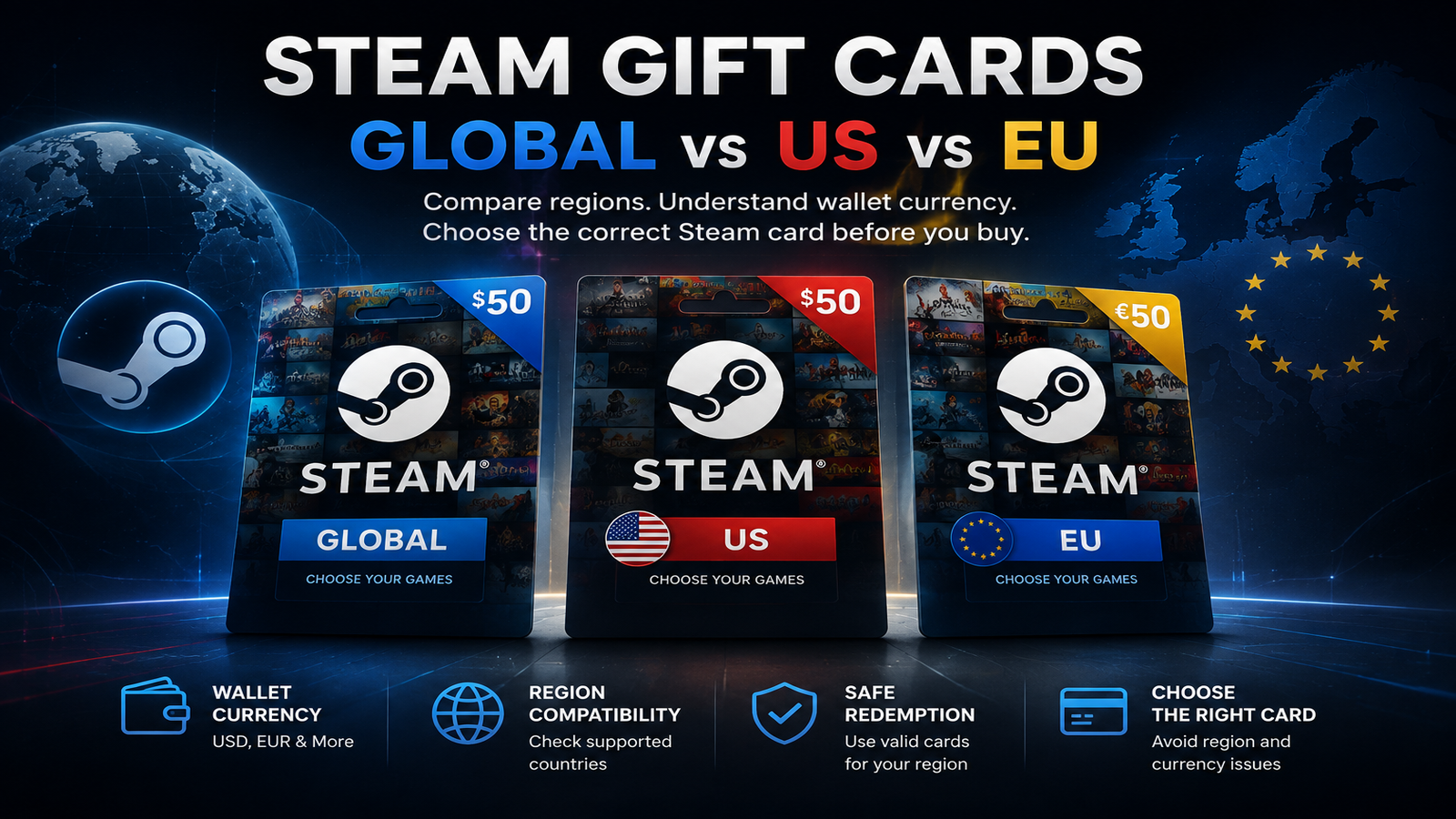
Global vs US vs EU: What's the Difference?
Steam US
Best suited for compatible United States Steam accounts and USD-based products.
Steam EU
Designed for supported European accounts and usually associated with EUR denominations.
Steam Global
May offer broader compatibility, but the exact supported regions must still be checked before purchase.
How to Check Your Steam Store Country
Before purchasing a Steam Gift Card:
1. Sign in to your Steam account.
2. Open your account details.
3. Check your store country and Steam Wallet currency.
4. Compare this information with the gift card's supported region.
5. Buy only when the card is compatible.
Checking your Steam Wallet currency can also help you understand which product is most appropriate for your account.
Can Steam Convert Gift Card Currencies?
Steam's rules regarding wallet currencies and gift card redemption can vary.
You should never purchase a card based only on the assumption that Steam will automatically convert it to your wallet currency.
Always follow the compatibility information provided for the specific card.
Can a VPN Change Your Steam Gift Card Region?
Using a VPN is not a reliable way to make an incompatible Steam Gift Card work.
Your Steam account's store country and other account information are more important than your current IP address.
Attempting to bypass regional restrictions may also cause account or redemption issues.
Common Steam Gift Card Mistakes
Buying the Wrong Region
For example, purchasing a US card without first checking whether your account supports it.
Ignoring Wallet Currency
Your Steam Wallet currency is an important compatibility indicator.
Assuming Global Means Worldwide
Always read the exact supported-region information.
Buying Before Checking Your Account
Checking your Steam account takes only a few moments and can prevent purchasing the wrong card.
Which Steam Gift Card Should You Buy?
Choose a Steam US Gift Card if your account is compatible with the United States region and the product requirements.
Choose a Steam EU Gift Card if your account is supported by the European product you are purchasing.
Choose a Steam Global Gift Card only after confirming that your country and Steam account are included in the supported regions.
Steam Gift Card Checklist
Before checkout:
• Check your Steam store country.
• Check your Steam Wallet currency.
• Read the card region.
• Confirm supported countries.
• Select the correct denomination.
• Review the redemption requirements.
Taking these steps can save you from purchasing a Steam Gift Card that is incompatible with your account.
Browse available Steam Gift Cards on NexaCards and choose the correct region and denomination for your Steam account.