How to Choose the Right Gift Card Region Before Buying
Buying a digital gift card is quick and convenient, but choosing the correct region is one of the most important steps before placing your order.
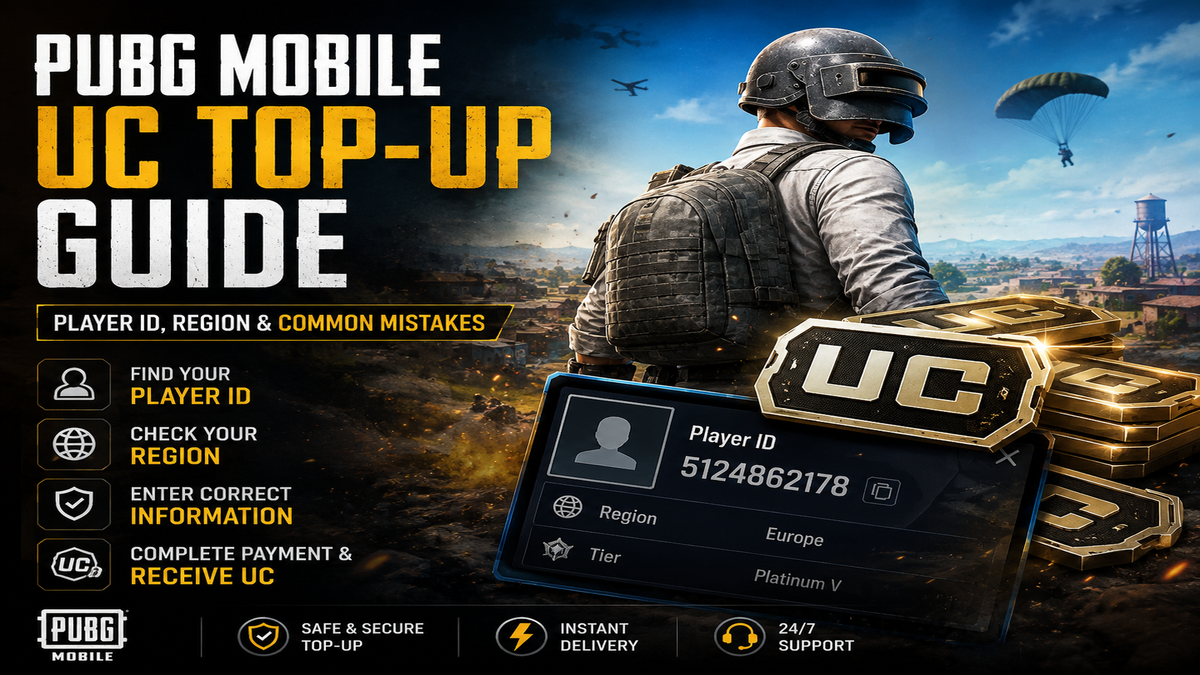
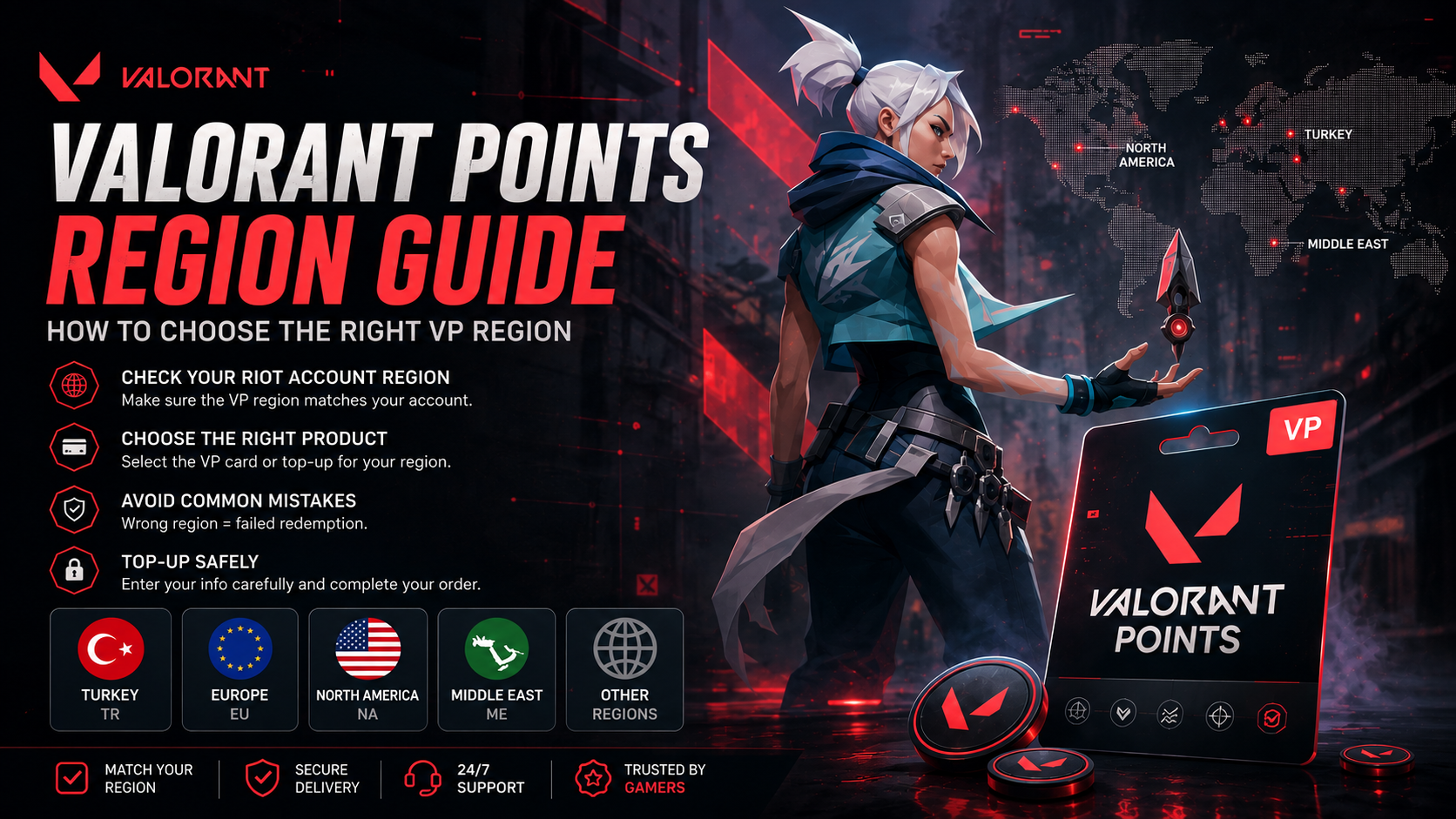
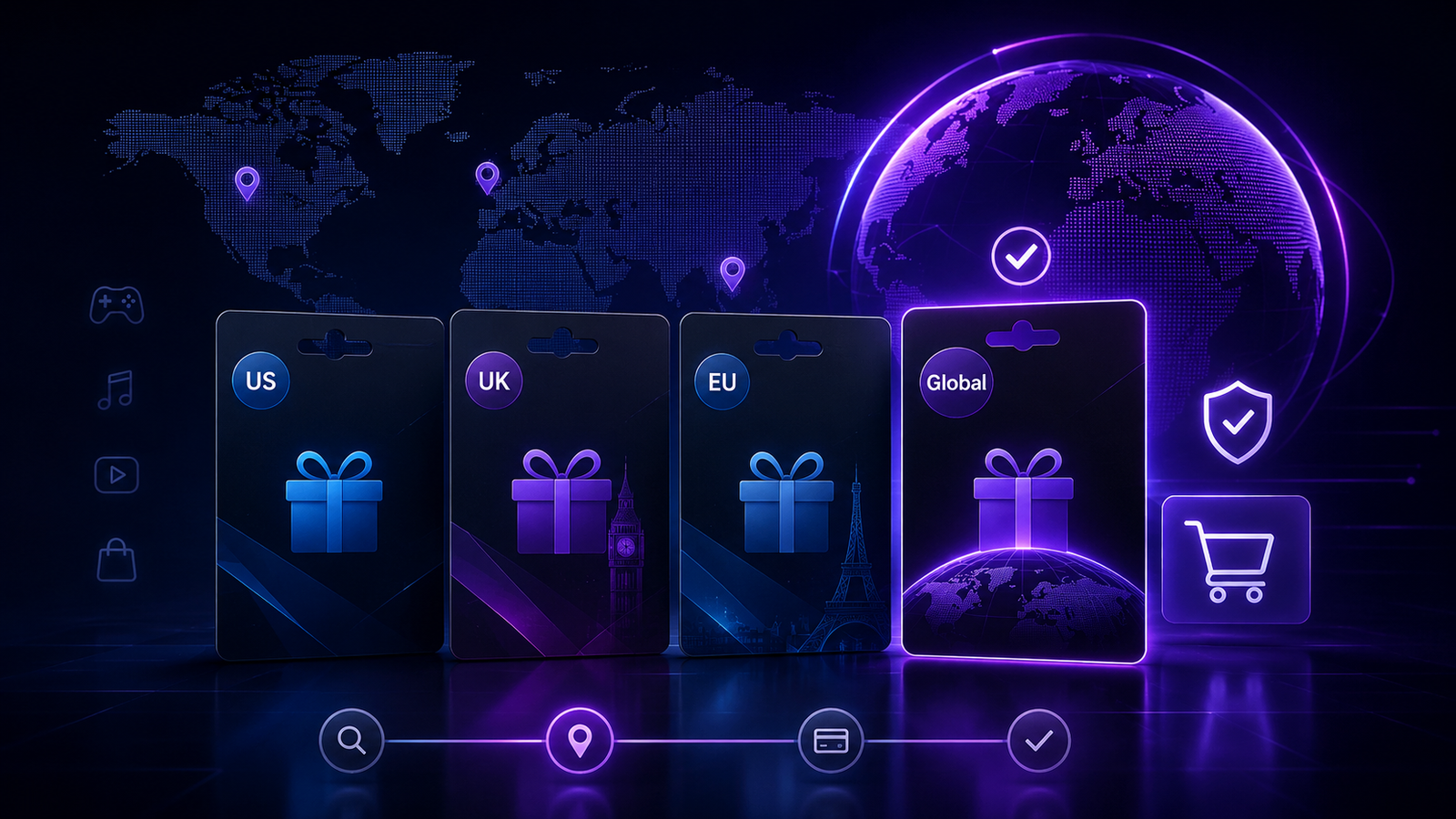
A gift card designed for one country or region may not work on an account registered somewhere else. Before purchasing, always check the region associated with your gaming or platform account.
Why Does the Region Matter?
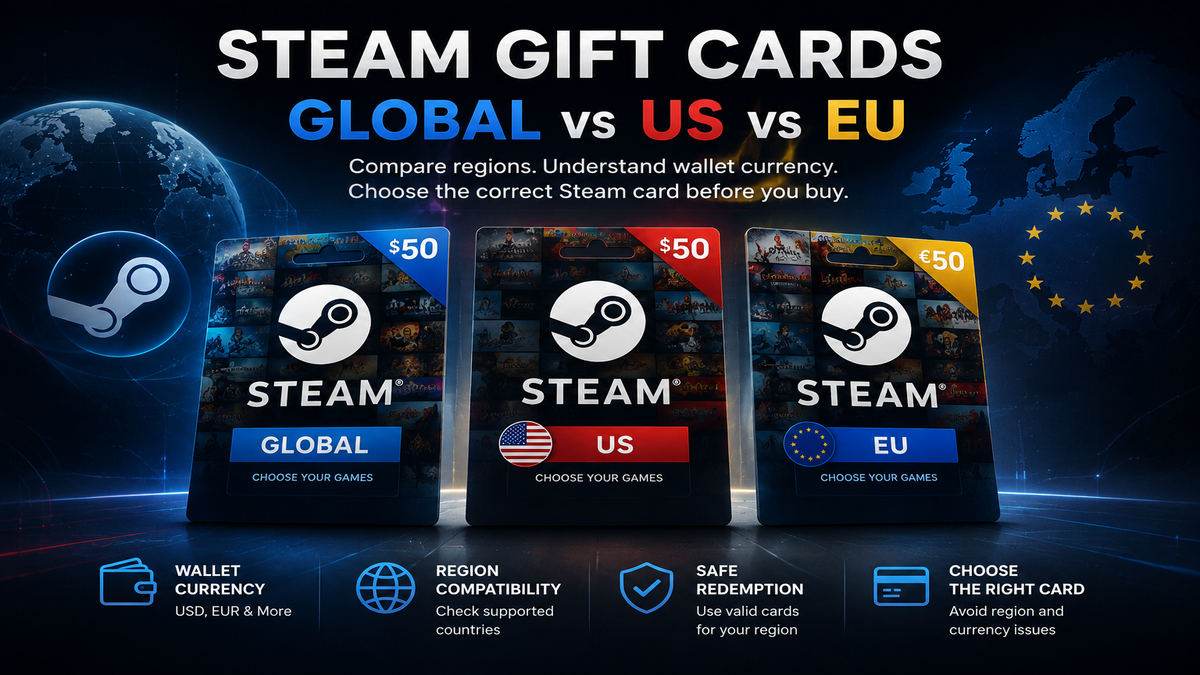
Platforms such as PlayStation, Xbox and Steam may issue different gift cards for different markets.
For example, a PlayStation US gift card is generally intended for a US PlayStation account, while a UK card is intended for a UK account.
The same principle can apply to other platforms.
How to Check Your Account Region
Before purchasing:
- Sign in to your gaming account.
- Open your account or profile settings.
- Check the registered country or region.
- Buy a gift card that matches that region.
If you're unsure, verify your account region before completing your purchase.
What Does “Global” Mean?
Some products are listed as Global because they support multiple countries or have fewer regional restrictions.
However, “Global” does not always mean every account in every country is supported. Always read the product description and redemption requirements.
Can You Change Your Account Region?
That depends on the platform. Some gaming services make changing regions difficult or do not allow it at all.
Because of this, choosing the correct card before buying is much easier than trying to change your account afterward.
Final Check Before Buying
Always confirm:
- Platform
- Country or region
- Currency
- Card value
- Redemption requirements
At Nexa Cards, product pages clearly display relevant region information to help you choose the correct digital product.
Need a card? Browse our Gift Cards section and select the region that matches your account.