Valorant Points Region Guide: How to Choose the Right VP Region
Valorant Points (VP) are the premium currency used in VALORANT to purchase weapon skins, bundles, Battle Passes, accessories, and other in-game content.
Key Points
However, one of the most important things to check before buying Valorant Points is the region of your Riot Games account.
Buying VP for the wrong region may prevent you from redeeming or using the product correctly. This guide explains how Valorant regions work, how to check your account region, and what to verify before placing your order.
Why Does the Valorant Region Matter?
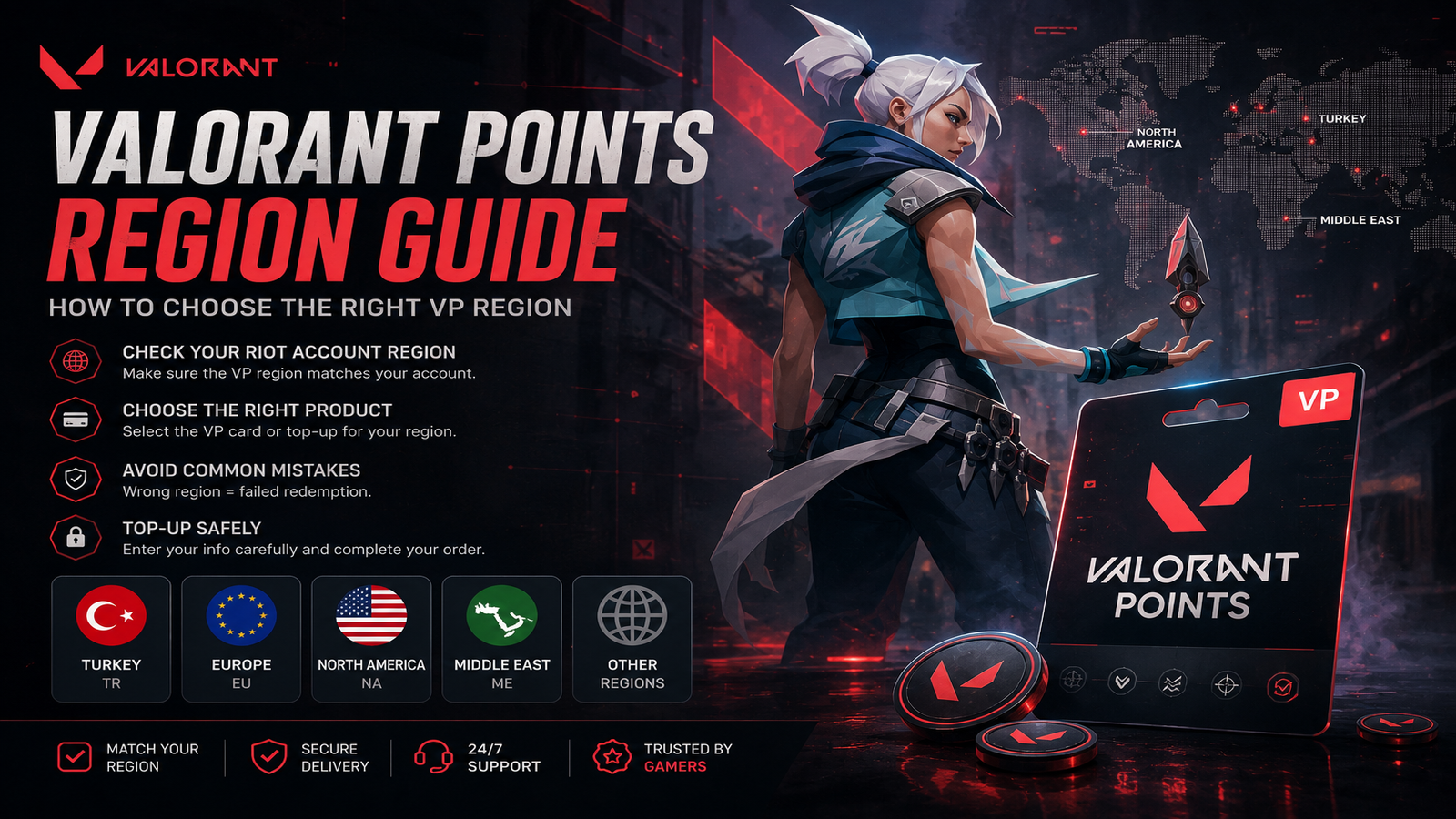
Riot Games accounts are assigned to specific regions. Valorant Points products, prepaid cards, and top-up methods may also be restricted to certain regions.
For example, a Valorant Points product intended for Turkey may not work on an account registered in another region.
Always check the region listed on the product page before purchasing.
Common Valorant Regions
Depending on the product and supplier, you may see regions such as:
• Turkey (TR)
• Europe (EU)
• United States / North America (US/NA)
• Middle East
• Other country-specific regions
The exact availability can vary, so always follow the region information displayed on the product page.
How to Check Your Riot Account Region
Before purchasing Valorant Points:
1. Sign in to your Riot Games account.
2. Open your account settings.
3. Check the country or region associated with your account.
4. Compare it with the region listed on the Valorant Points product.
5. Only continue if the product is compatible with your account.
If you are unsure about your Riot account region, verify it before placing your order.
Valorant Points Card vs Direct Top-Up
There are generally two common ways to purchase Valorant Points.
Valorant Points Gift Card
You receive a digital code that must be redeemed through the supported Riot or VALORANT redemption method.
Before buying, make sure the card region matches your account.
Direct Valorant Top-Up
Some products allow VP to be delivered directly using account-related information or another supported top-up method.
Always enter the requested information carefully because incorrect details may delay or prevent the top-up.
Common Mistakes to Avoid
Wrong Region
This is one of the most common problems. Never assume a VP product works worldwide unless it is specifically listed as global.
Incorrect Account Information
For direct top-ups, double-check every detail before submitting your order.
Buying Before Checking Compatibility
Always read the product description and region requirements first.
Using a VPN
A VPN does not necessarily change the actual region assigned to your Riot account. Your account region is what matters.
Can You Change Your Valorant Region?
Riot may allow account region changes in certain situations, but this should not be considered a solution for purchasing an incompatible VP product.
It is much easier to verify your correct region before buying.
How to Buy Valorant Points Safely
Before checkout:
• Confirm your Riot account region.
• Read the product region carefully.
• Check whether the product is a code or direct top-up.
• Enter all required information correctly.
• Review your order before payment.
At NexaCards, always check the region and product information shown on the product page before completing your purchase.
Final Checklist
Before buying Valorant Points, ask yourself:
• What region is my Riot account?
• Does the VP product support that region?
• Is this a gift card or direct top-up?
• Have I entered the correct account information?
Taking a few seconds to verify these details can help you avoid purchasing the wrong Valorant Points product.
Browse available Valorant Points products on NexaCards and choose the option that matches your account region.